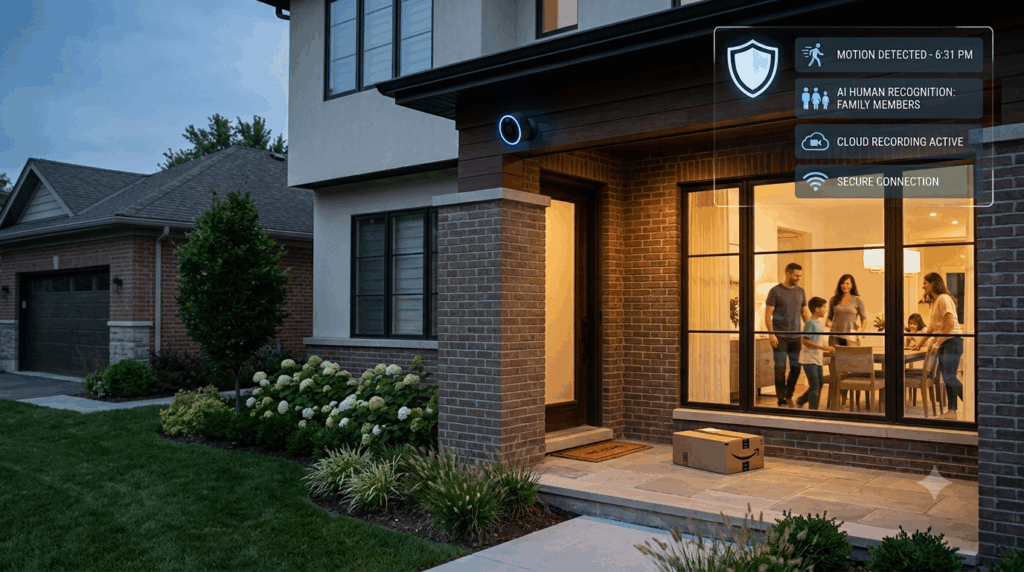
Keeping your property safe in 2026 has never been easier, thanks to modern security camera installation solutions. From residential homes to commercial offices, a well-planned camera system ensures your family, employees, and assets are protected 24/7. Whether you’re looking for office security camera installation, commercial security camera installation, residential security camera installation, or a security camera doorbell installation, this guide by a trusted security camera company will help you understand the types of cameras, their features, installation steps, and how to choose the best security camera installation services for your needs.
Why Security Camera Installation is Essential
In today’s world, threats to homes and businesses are constantly evolving. Installing a professional security system offers multiple benefits:
- Crime Deterrence: Visible cameras reduce the risk of theft, vandalism, and trespassing.
- Remote Monitoring: Monitor your property in real-time using smartphones, tablets, or PCs.
- Evidence Collection: High-quality video footage helps authorities during investigations.
- Peace of Mind: Knowing your property is being monitored 24/7 gives unmatched security.
Whether you need residential security camera installation or professional commercial security camera installation, having a tailored system is critical to meet your specific security needs.
Types of Security Cameras
Selecting the right security system is crucial to maximizing coverage and functionality. Here are the most popular options for 2026:
1. Indoor Cameras
- Ideal for living rooms, hallways, and nurseries.
- Typically small, plug-and-play, and easy to install.
- Perfect for residential security camera installation.
2. Outdoor Cameras
- Weatherproof and theft-resistant for outdoor protection.
- Often includes lights, sirens, or smart AI detection features.
- Best for office security camera installation and commercial security camera installation.
3. Doorbell Cameras
- Replace traditional doorbells with video-enabled systems.
- Notify you instantly when someone approaches your door.
- Excellent option for security camera doorbell installation in homes and small offices.
4. PTZ (Pan-Tilt-Zoom) Cameras
- Ideal for large areas such as parking lots or business premises.
- Can be controlled remotely to cover wide areas and zoom in on specific activity.
5. Bullet vs Dome Cameras
- Bullet cameras: Long-range, highly visible, excellent deterrent.
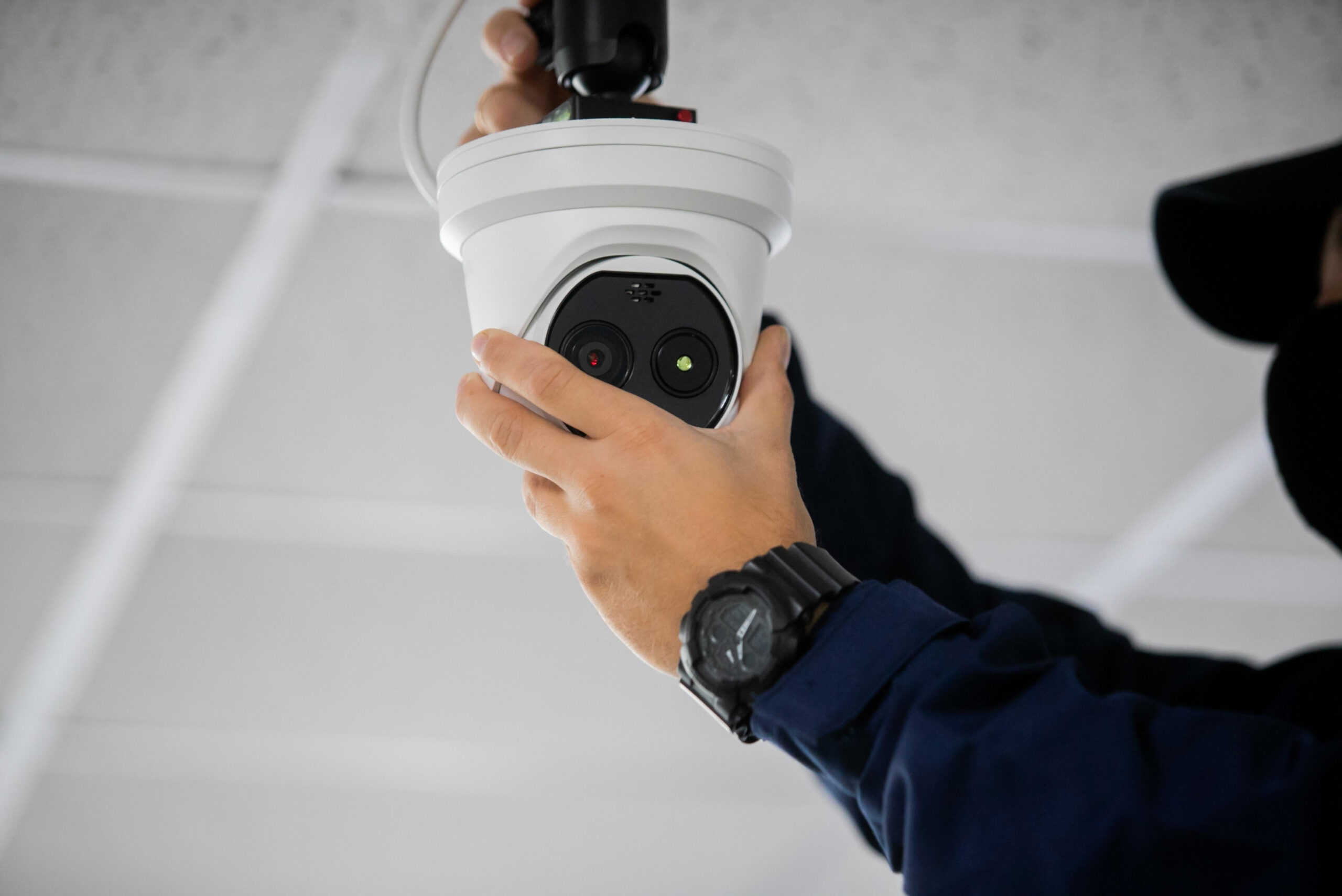
- Dome cameras: Discreet, wide-angle coverage, tamper-resistant.
Key Features to Look for in Security Cameras
When choosing the best security camera installation, it’s essential to consider the following features:
- Video Quality: Minimum 1080p HD, 2K, or 4K for sharper images and facial recognition.
- Night Vision: Infrared or color night vision ensures 24/7 monitoring.
- AI Smart Detection: Identify humans, vehicles, pets, and packages to minimize false alerts.
- Two-Way Audio: Speak to visitors or delivery personnel remotely.
- Storage Options: Cloud storage (subscription-based) or local storage (SD card/NVR/DVR).
- Power Options: Battery, solar, or hardwired, depending on your needs.
Benefits of Professional Security Installation
Hiring a professional security camera company ensures your system is installed efficiently and functions reliably. Key advantages include:
- Expert Planning: Professionals can assess your property and recommend optimal camera placement.
- Secure Connectivity: Ensures your system is properly wired or connected to Wi-Fi for uninterrupted performance.
- Proper Setup: Motion detection, alerts, and AI features are configured for maximum efficiency.
- Maintenance & Support: Professionals provide firmware updates, troubleshooting, and routine maintenance.
Whether it’s office security camera installation or residential security camera installation, professional services save time, reduce errors, and ensure your investment provides long-term security.
Step-by-Step Guide to Installing Security Cameras
Even if you’re handling a DIY project, following a structured plan ensures maximum coverage and performance.
1. Plan Camera Placement
- Identify all entrances, exits, garages, driveways, and other vulnerable areas.
- Ensure there are no blind spots, especially for commercial spaces.
2. Choose Mounting Height and Angle
- Cameras should be mounted 8–10 feet high to prevent tampering.
- Slight downward tilt ensures facial recognition and vehicle identification.
3. Check Connectivity
- Wireless cameras require strong Wi-Fi signals.
- Hardwired cameras need proper power routing and stable network integration.
4. Test Functionality
- Enable motion detection and confirm alerts are received.
- Test night vision, two-way audio, and recording settings.
5. Secure and Maintain
- Use strong passwords and enable two-factor authentication.
- Regularly clean lenses, check battery levels, and update firmware.
Residential vs Commercial Security Camera Installation
Residential Security Camera Installation
- Focuses on protecting homes, family members, and personal property.
- Often uses indoor, outdoor, and doorbell cameras for comprehensive coverage.
- Emphasis on aesthetics and discreet placement.
Commercial Security Camera Installation
- Protects offices, warehouses, retail stores, and parking lots.
- Often includes PTZ cameras, high-resolution recording, and AI detection.
- Focus on coverage of assets, employees, and entrances/exits.
Tips to Choose the Best Security Camera Company
When selecting a security camera company, consider these factors:
- Experience: Choose a company with proven expertise in both residential and commercial installations.
- Customer Reviews: Look for positive feedback regarding installation quality and service reliability.
- Product Range: Ensure they offer indoor, outdoor, doorbell, and AI-enabled cameras.
- Support Services: Reliable post-installation support is crucial for long-term performance.
- Compliance: Ensure cameras meet local regulations and data privacy standards
Conclusion
Whether you need residential security camera installation, office security camera installation, or commercial security camera installation, choosing the best security camera installation company ensures peace of mind and effective protection. From high-quality video and AI detection to proper placement and maintenance, a professional system safeguards your property 24/7. Don’t compromise on security. Contact a trusted security camera company today and schedule your security camera doorbell installation or full system setup. Protect what matters most with the right cameras, installed the right way.
FAQs
1. What is the best type of camera for home security?
A combination of indoor, outdoor, and doorbell cameras offers complete coverage for homes.
2. How many cameras are needed for an office or business?
Small offices may need 3–5 cameras, while larger commercial properties require 6 or more to cover all critical areas.
3. Should I choose wired or wireless cameras?
Wired cameras provide reliable power and connectivity, while wireless cameras offer flexibility and easier installation.
4. Can AI cameras reduce false alerts?
Yes, modern AI cameras can distinguish between people, vehicles, pets, and packages to minimize false alarms.
5. Do professional security camera installations cost more than DIY?
Professional installation is an investment but ensures optimal coverage, proper configuration, and long-term reliability, often saving money on troubleshooting or replacements later