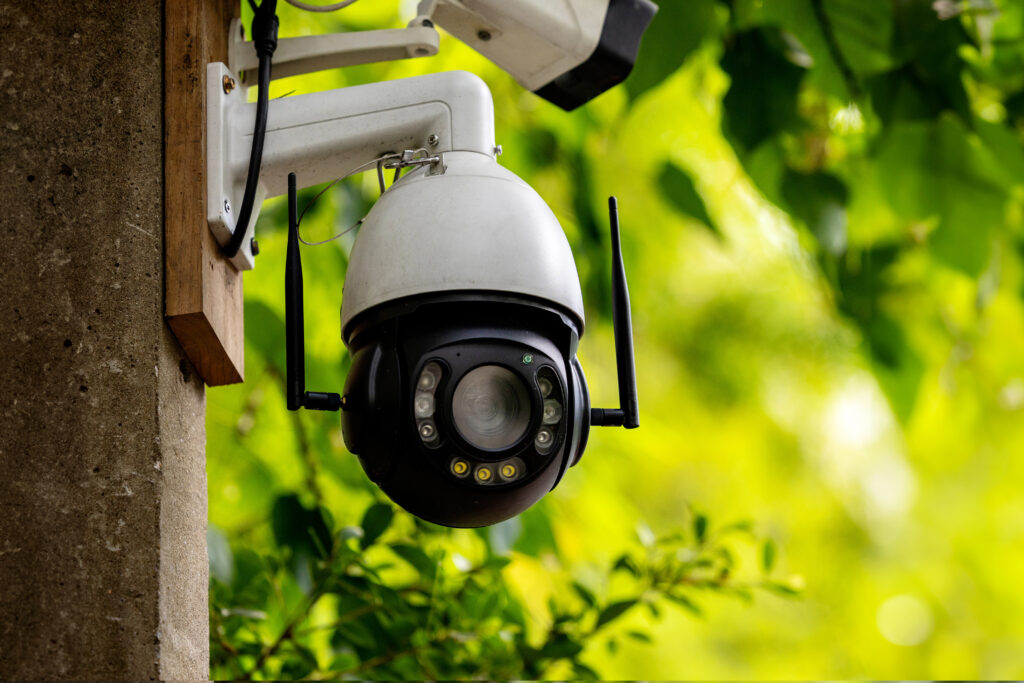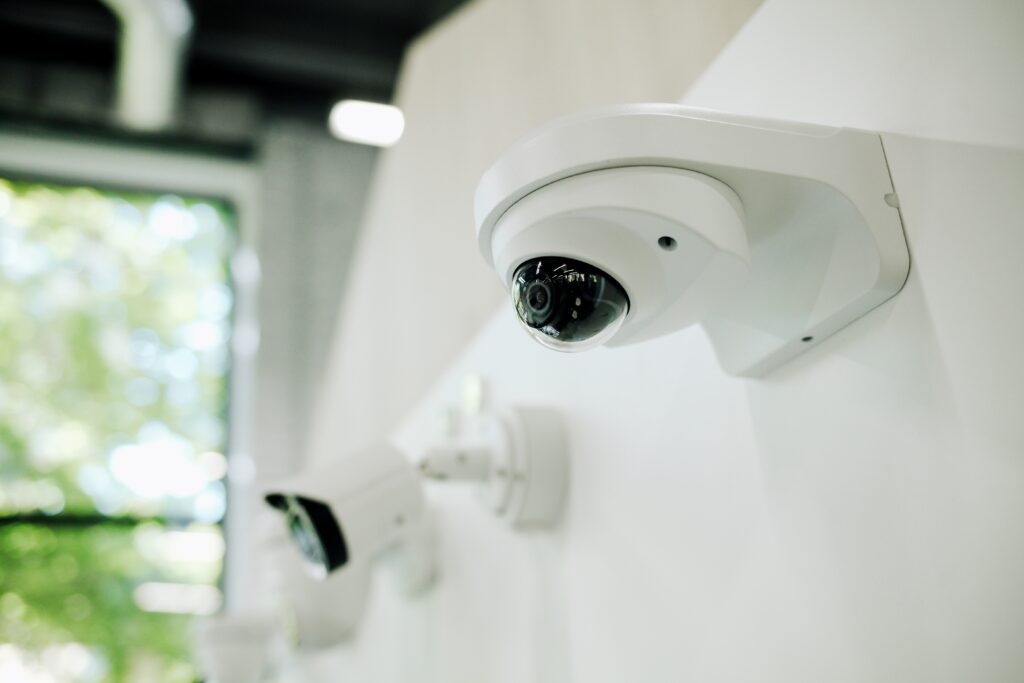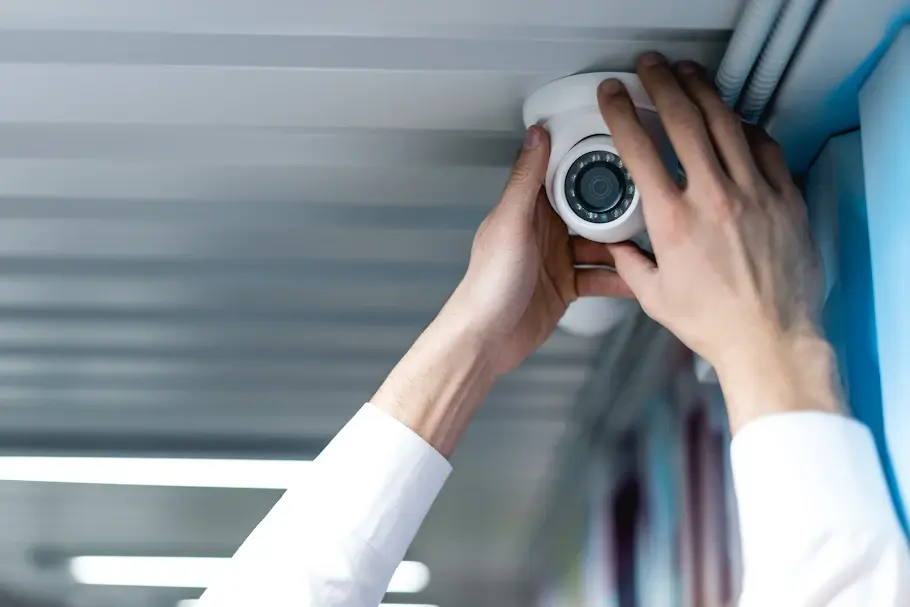
One can never be too careful. Especially in an office setting with tens of employees and hundreds of clients visiting every day. This is where security cameras come in; not only do they keep a watchful eye out for trespassers, but they also help maintain discipline. If you’re worried about the safety and environment of your business establishment, this blog by Complete Protection Solutions lists all the steps from gathering your tools to properly mounting the cameras to running performance tests to make your office security camera installation process an easy, fast, and successful one.
Stepping Up Your Security Measures: How To Set Up A CCTV Camera
Are you setting the stage for your start-up? Or has the rising economic instability prompted you to invest in CCTV cameras? Either way, it’s a smart idea to have 24-hour protection with closed-circuit cameras for safety and peace of mind. Whether you’re a DIY enthusiast confident in your office security camera installation skills or just curious about the process in general, take a look through the guide below.
Join us as we set up your new camera system together!
- Step 1: Gather Your Tools
The first thing you should do in Aurora, CO, is gather all the tools and equipment you’ll need. This simple step will help speed up the office security camera installation process. Investing in quality gear ensures sturdier mounts and safer connections. You’ll need:
- Professional-grade ladder
- Variable-speed power drill
- Mounting screws
- Fish tape
- Digital multimeter
- Cable tester
- Step 2: Find The Perfect Spot
Now, this is when you need to think carefully. You want the perfect height so that your camera covers everything. So, make sure not to put it directly behind obstacles such as pillars or large equipment.
| Pro Tip Place the cameras at least 10ft high for optimal fields of vision |
- Step 3: Ensure Power & Connectivity
Now, for a smooth office security camera installation, make sure there are outlets nearby to power your cameras. If not, run cables or have someone install outlets, and ensure they are close enough to the network to receive strong signals.
- Step 4: Mark & Mount
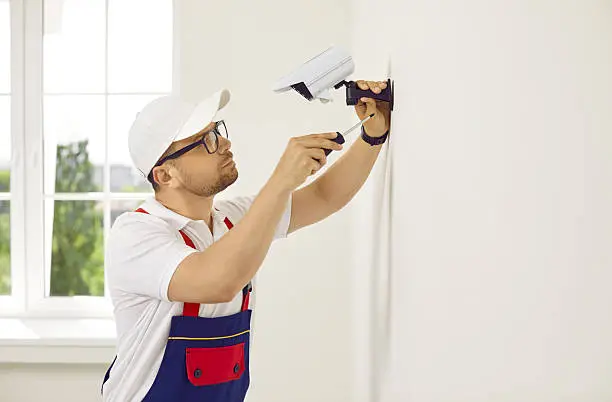
Next in your office security camera installation phase, you should mark the mounting points by following the template. Drill appropriate holes in the walls and then install the camera mounting brackets that will hold the CCTV cameras in place later on.
- Step 5: Mount The Camera
Now that the cradle is set, it’s time for careful office security camera installation. Attach the camera securely, angle it for the perfect view, and ensure it’s stable before climbing down the ladder. Repeat the process for multiple cameras.
- Step 6: Run The Cables
On to the next step of office security camera installation. Connect the cameras to the cables, using fish tape to guide them through conduits and walls. Secure the cables every few feet with clips to prevent sagging, and ensure data and power cables are properly spaced for safety.
| Bonus Tip Clearly mark the connections for easier maintenance later on. |
- Step 7: Turn On The Power
Now you’re ready to turn your new security camera system on. Go to the main breaker and flip it to ensure all the cameras are working and connected properly.
- Step 8: Performance Testing
During office security camera installation, you don’t want to find out that the cameras missed important activity due to poor lighting. Test their footage quality under various lighting conditions to ensure the cameras are working properly.
- Step 9: Configure & Document
Finally, during office security camera installation, configure when and where the cameras will store all footage. This could be on the device, in the cloud, or both for safety. Be sure to note the configuration settings for future reference.
Conclusion
To conclude, office security camera installation isn’t hard, just a bit technical. You should start by gathering tools like ladders and screws, find the appropriate height, and then mount the bracket. Then set up the cameras and conduct a test run under different circumstances to ensure that they work correctly. We hope this blog helps make your business establishment secure. For more instructions, questions, or advice, please drop us a line!
FAQs
What locations should be covered in an office security camera installation?
You should cover all critical entry points like front gates, emergency exits, windows, and front and backdoors.
How long does an office security camera installation take?
Small systems can be set up within 1-2 days, while large systems require 1-2 weeks for installation.
How should I maintain my office security cameras?
Clean the cameras regularly, run performance checks, and update software to keep them performing well.
Can security cameras be installed on existing office networks?
Yes, IP cameras can be integrated into existing networks with minimal setup. Proper network configuration ensures smooth video streaming and remote access.
How do I ensure data privacy and security for recorded footage?
Use encrypted storage, secure passwords, and limited access to protect footage. Cloud-based systems often include built-in encryption and automatic backups.